Build. Test. Ship. On your own terms.
Crow is a container-native CI/CD server. Pipelines live in your repositories, steps run wherever you put an agent, and nothing leaves your infrastructure unless you send it.
- 6
- 6
- <200
- 3
Every step, in plain sight.
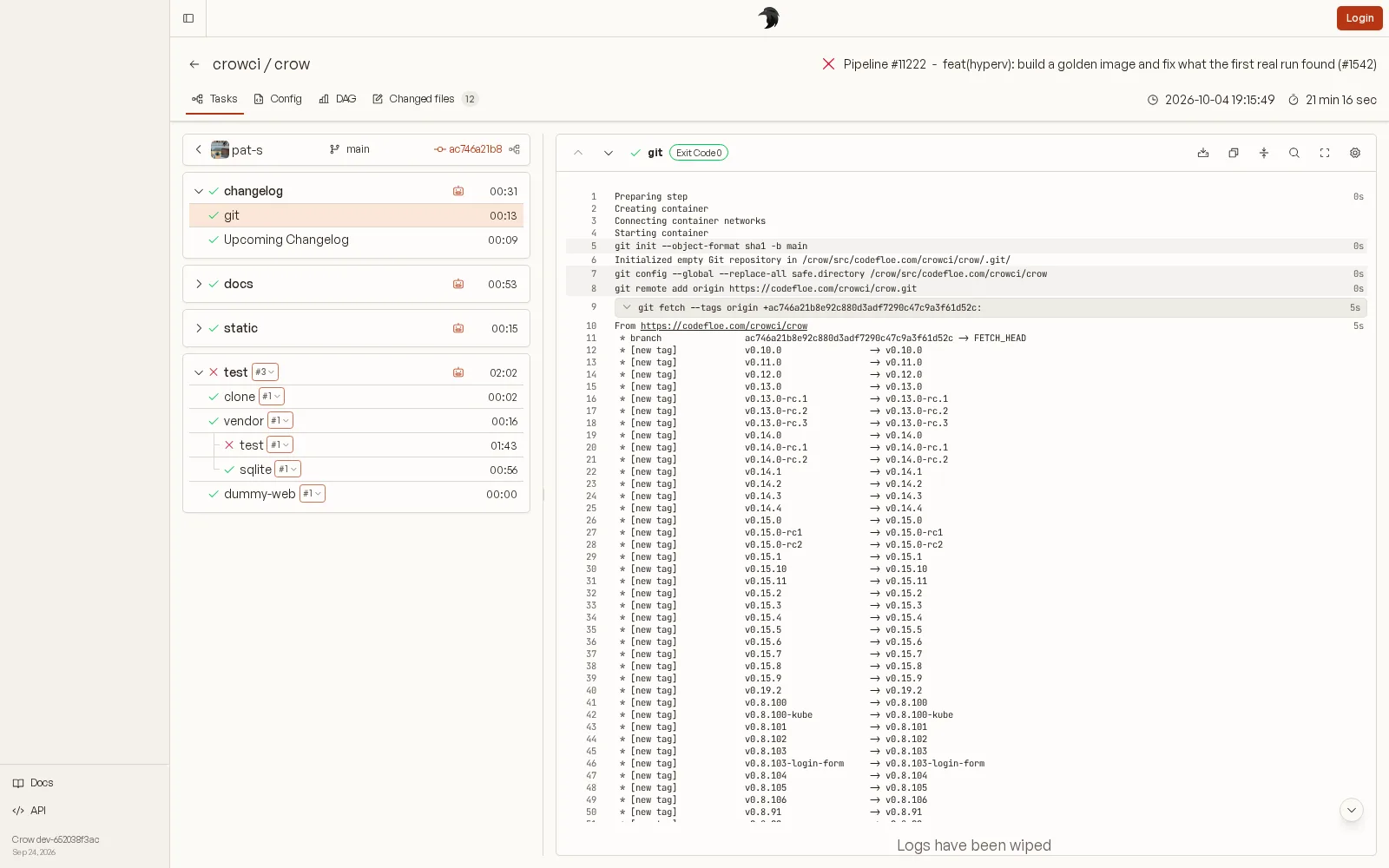
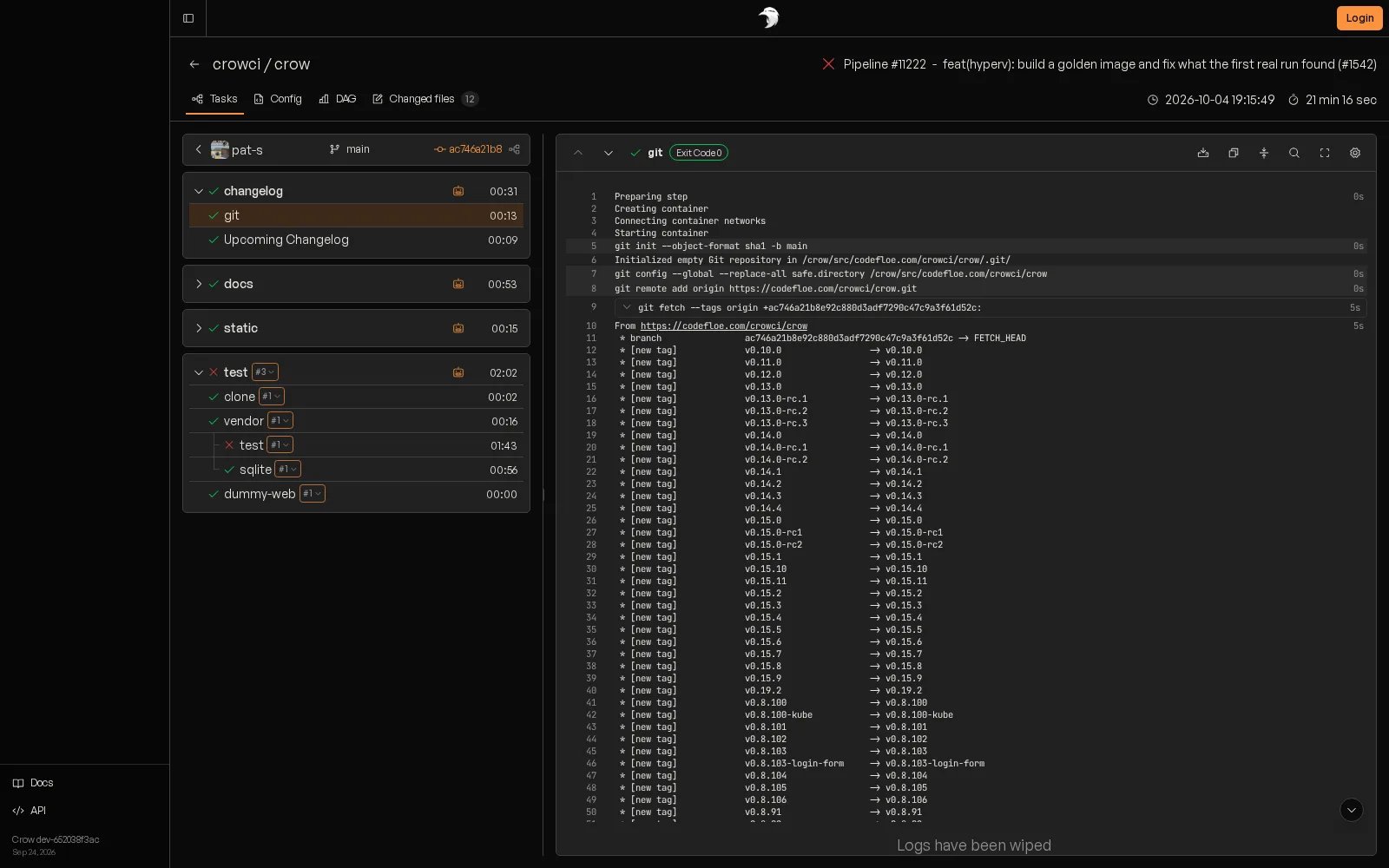
Workflows, steps and live logs side by side. Restart a single workflow, cancel one leg of a matrix, or trigger a run by hand with extra variables.
- DAG view of how steps depend on each other
- Manual, cron, push, tag, release and pull request events
- Deployments limited to a forge team
Know where the minutes go.
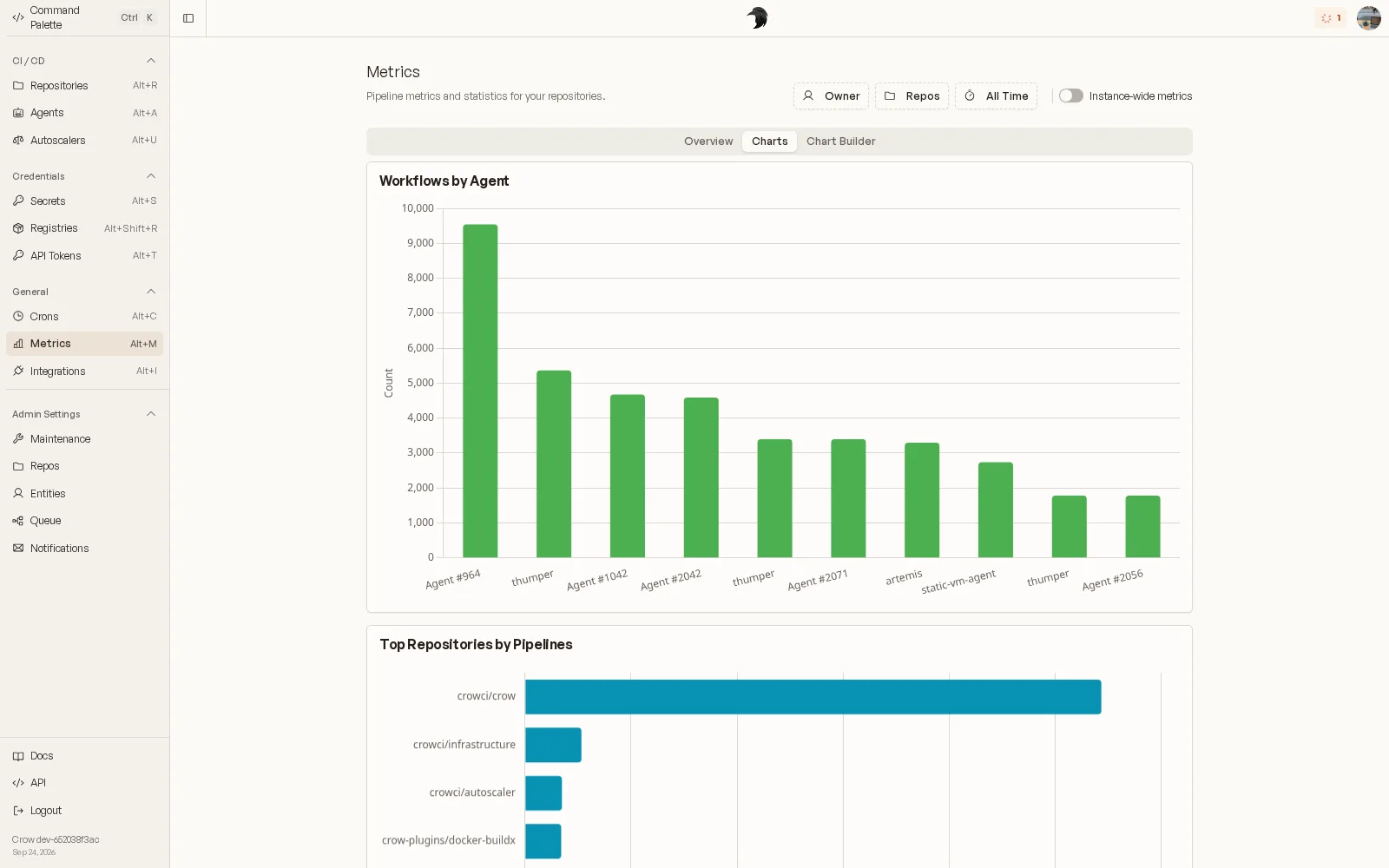
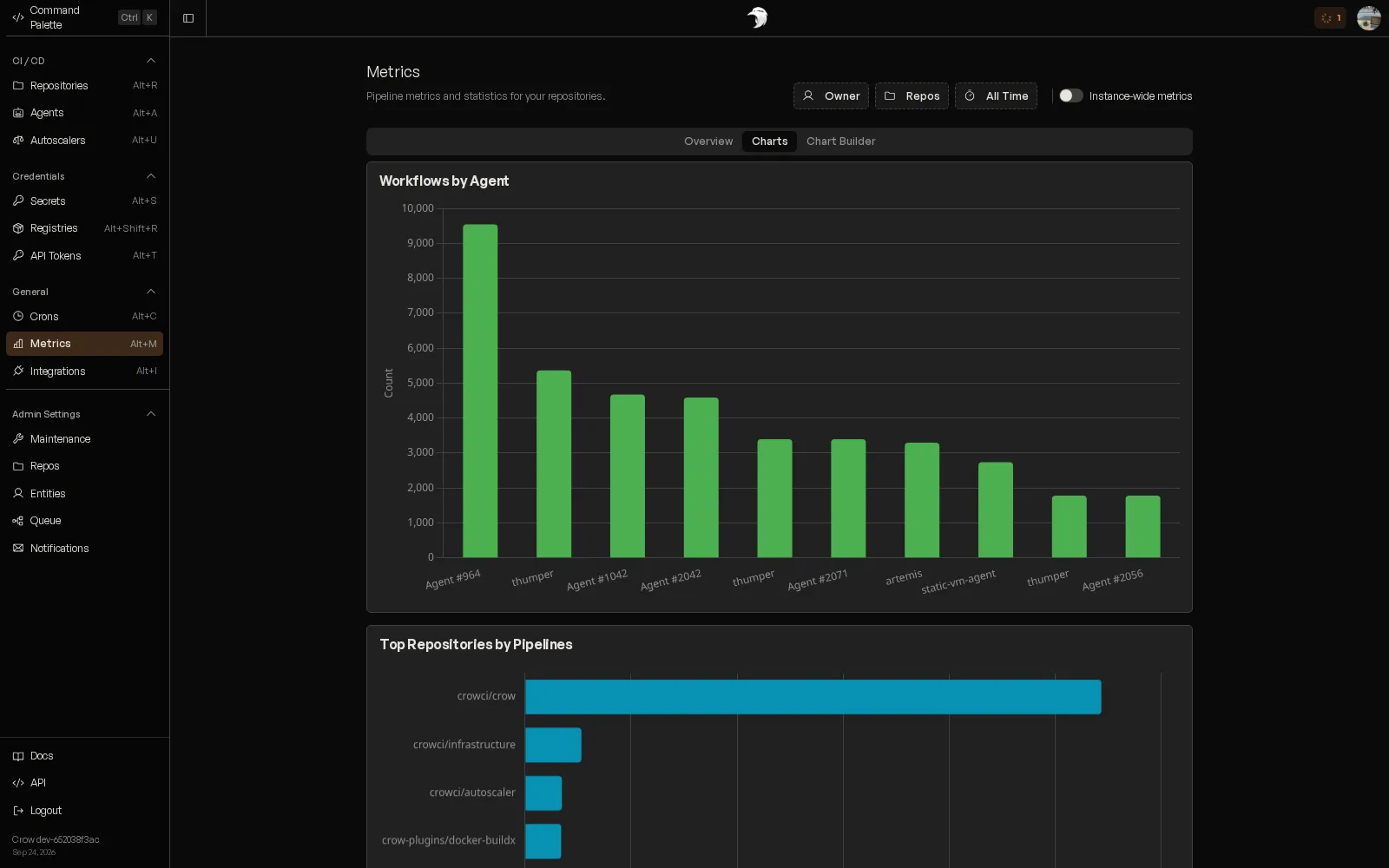
Build times, workflows per agent, busiest repositories. Filter by owner, repository and time range, or build your own chart.
- Overview, charts and a chart builder
- Instance-wide view for admins
- History can outlive removed repositories and orgs
Agents you can reason about.
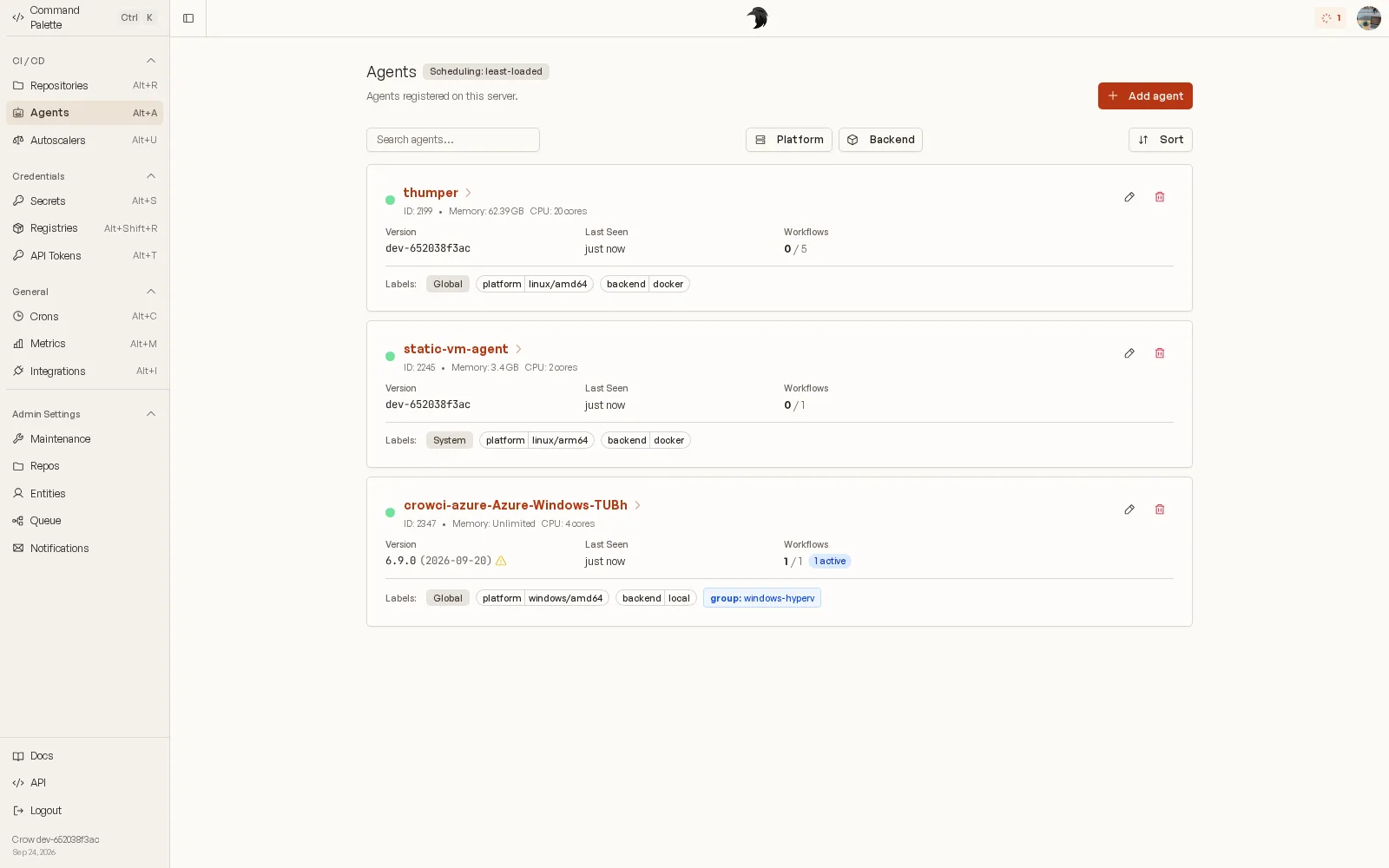
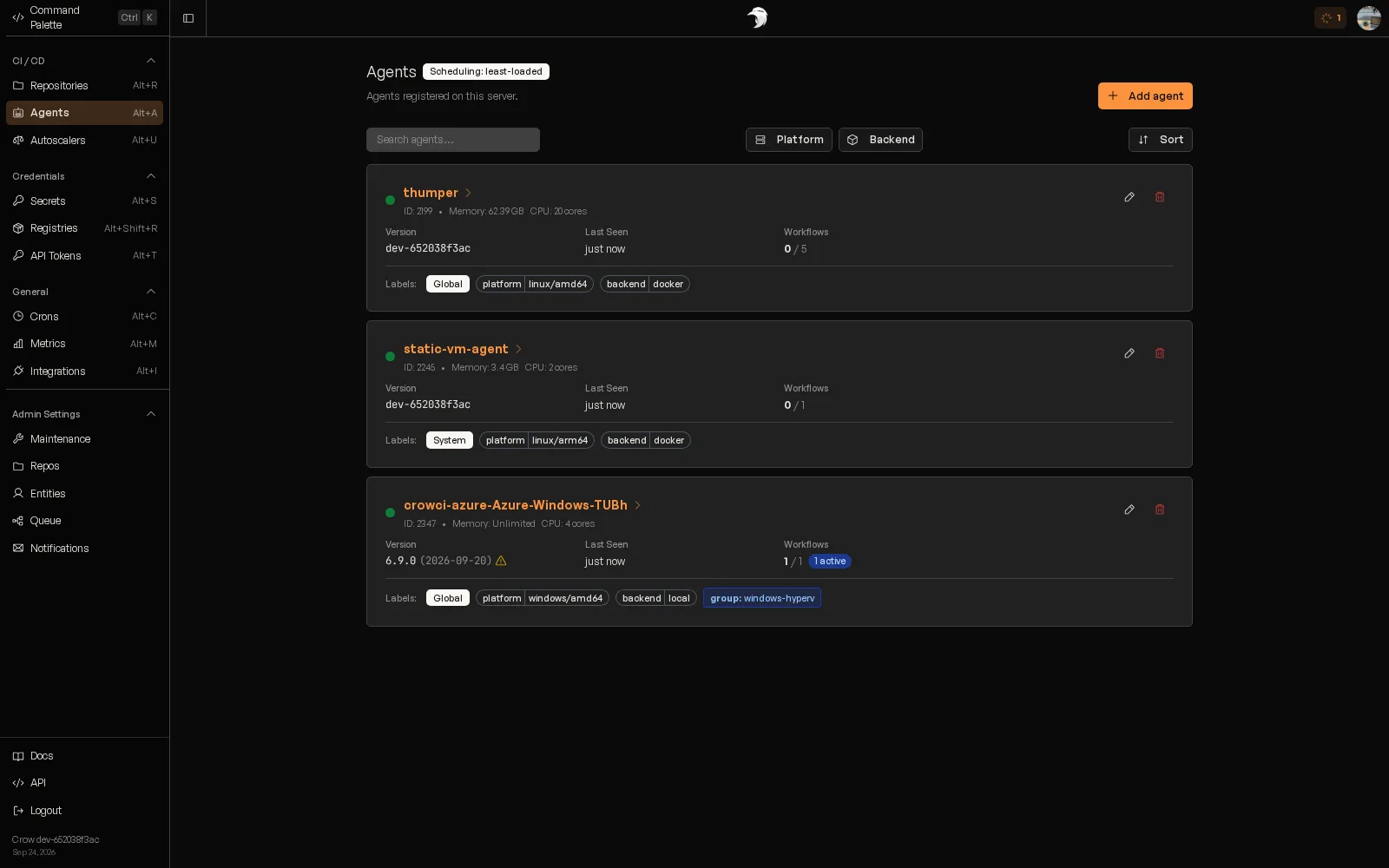
See every agent, its labels, its backend and how much capacity it has left. Pick how work is spread across them.
- Least-loaded, pack, round-robin or random scheduling
- Global, org and user agents, plus agents shared by several orgs
- Autoscaler starts cloud agents only when static ones are busy
Secrets stay encrypted and where they belong.
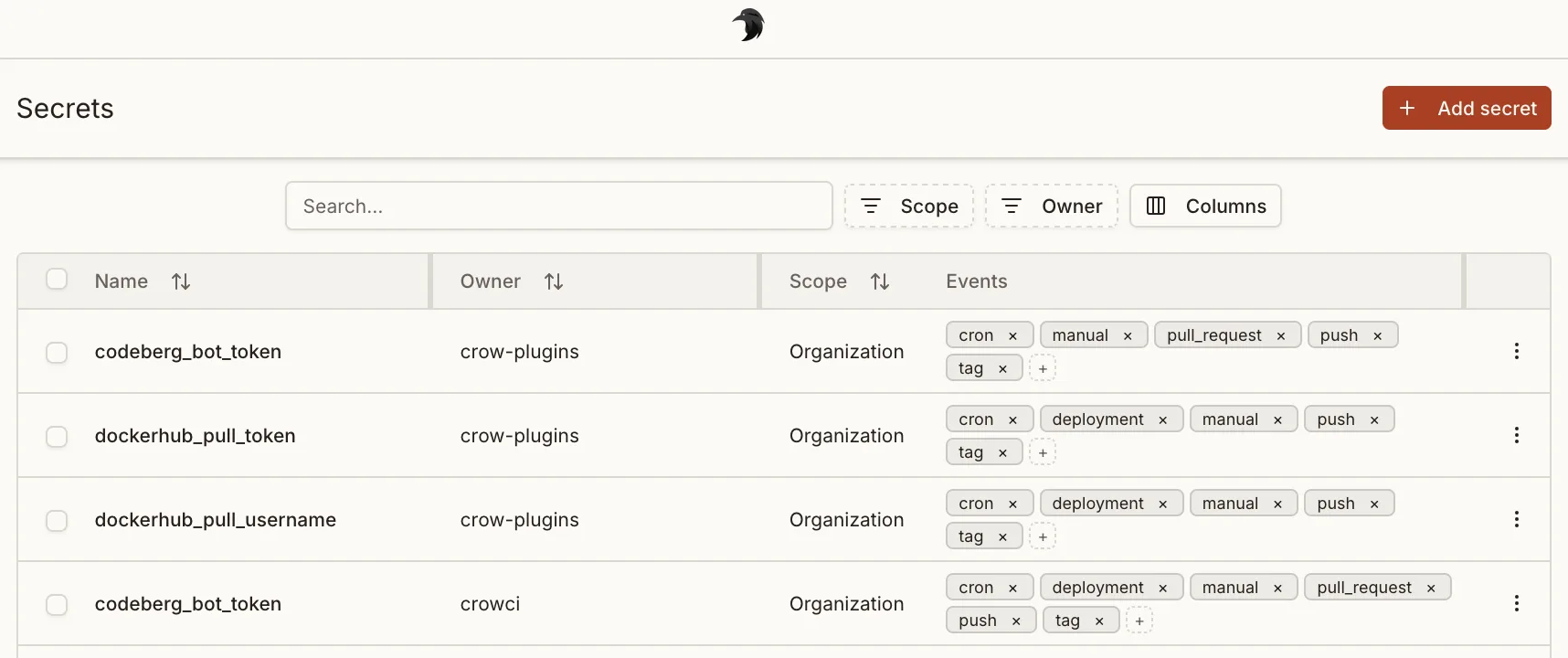
Secrets, registry credentials and OAuth tokens are encrypted at rest with Google Tink. Store them per repository, organisation or instance, or read them from an external secret store, and limit each one to the images and events that may see it.
- Encryption at rest with key rotation
- Repo, org and global scopes
- Image and event filters per secret
- Registry credentials for private images
Six backends. One pipeline format.
Run steps in containers, as Kubernetes pods, in a throwaway Windows or macOS VM, or straight on the host. Your YAML stays the same; agent labels decide where a workflow lands.
Docker
Container per step
The default. Every step runs in its own container, and Windows containers can opt into Hyper-V isolation for a kernel of their own.
Podman
Container per step
Daemonless containers through the native Podman SDK, rootful or rootless.
Kubernetes
Pod per step
Steps become pods in your cluster, with per-step resources, node selectors and tolerations. One agent drives the whole cluster.
Hyper-V
Windows VM per workflow
Every workflow gets a throwaway Windows VM, cloned from a golden image and deleted afterwards. Safe for untrusted pull requests.
Tart
macOS VM per workflow
Every workflow runs in a fresh macOS VM on Apple silicon, so Xcode builds start from a clean machine every time.
Local
Process on the host
Runs commands directly on the agent's machine, for builds that need its toolchain or hardware. On macOS it can run in a sandbox.
Ready when your pipelines are.
The quickstart takes you from an empty host to a green pipeline with Docker Compose. Helm charts and plain binaries are there when you outgrow it.